
Android XR 180° SBS 3D Video Player
I built a small native Android XR app that plays 180° side-by-side (SBS) stereoscopic video on a curved hemisphere in full-space mode — the kind of immersive playback you want from a VR headset, without going through any third-party player. It targets devices with OpenXR support and is tested on a Samsung Galaxy XR.
Get it on Google Play
The app is now on the Play Store:
👉 Android XR 180° SBS 3D Video Player on Google Play
Note: if the listing isn’t live yet, it’s still completing Google’s review — it’ll populate shortly.
Screenshots
Features
- Plays 180° SBS video on a 15 m hemisphere surface (
StereoMode.SIDE_BY_SIDE) - System file picker for any
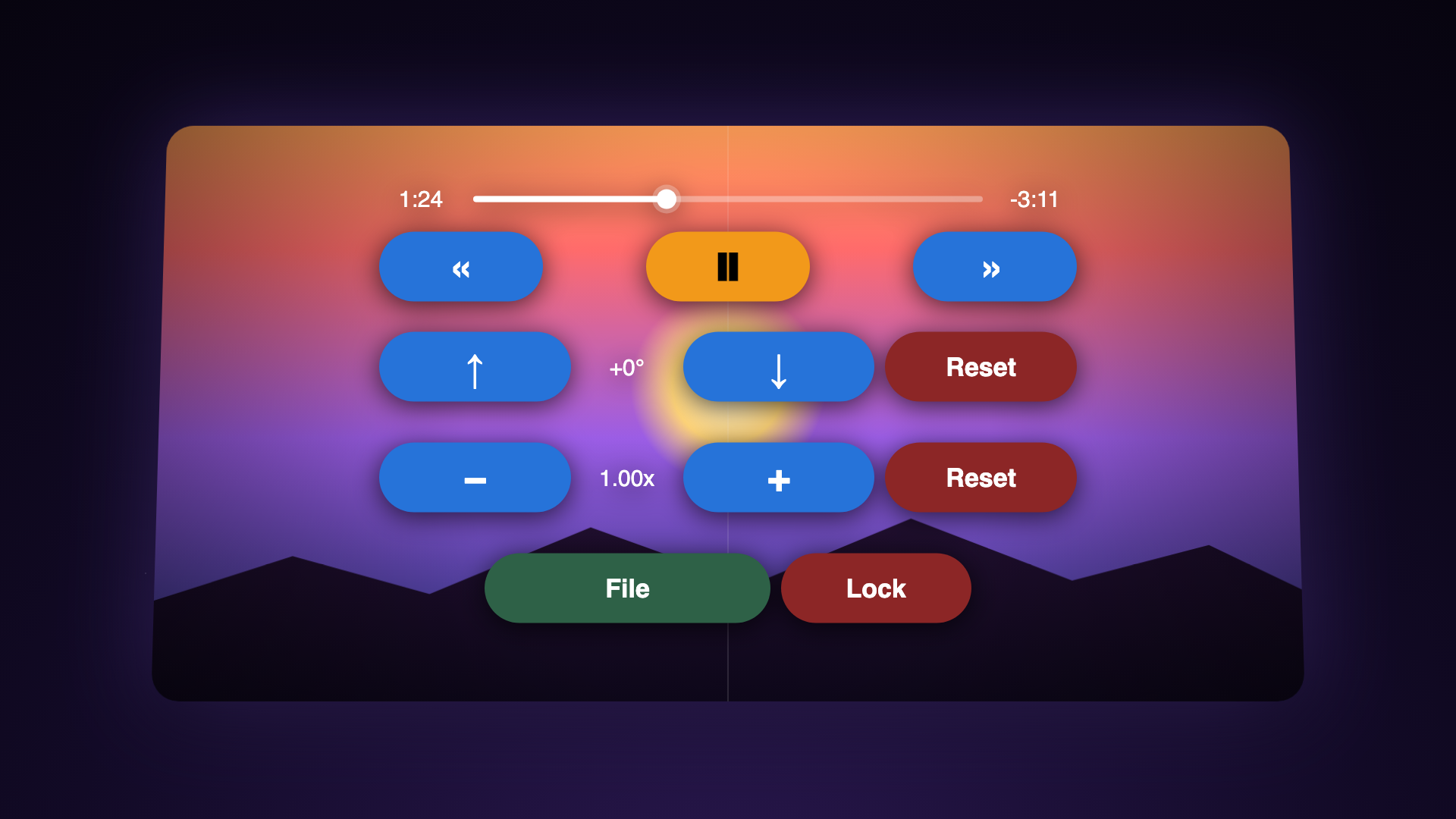
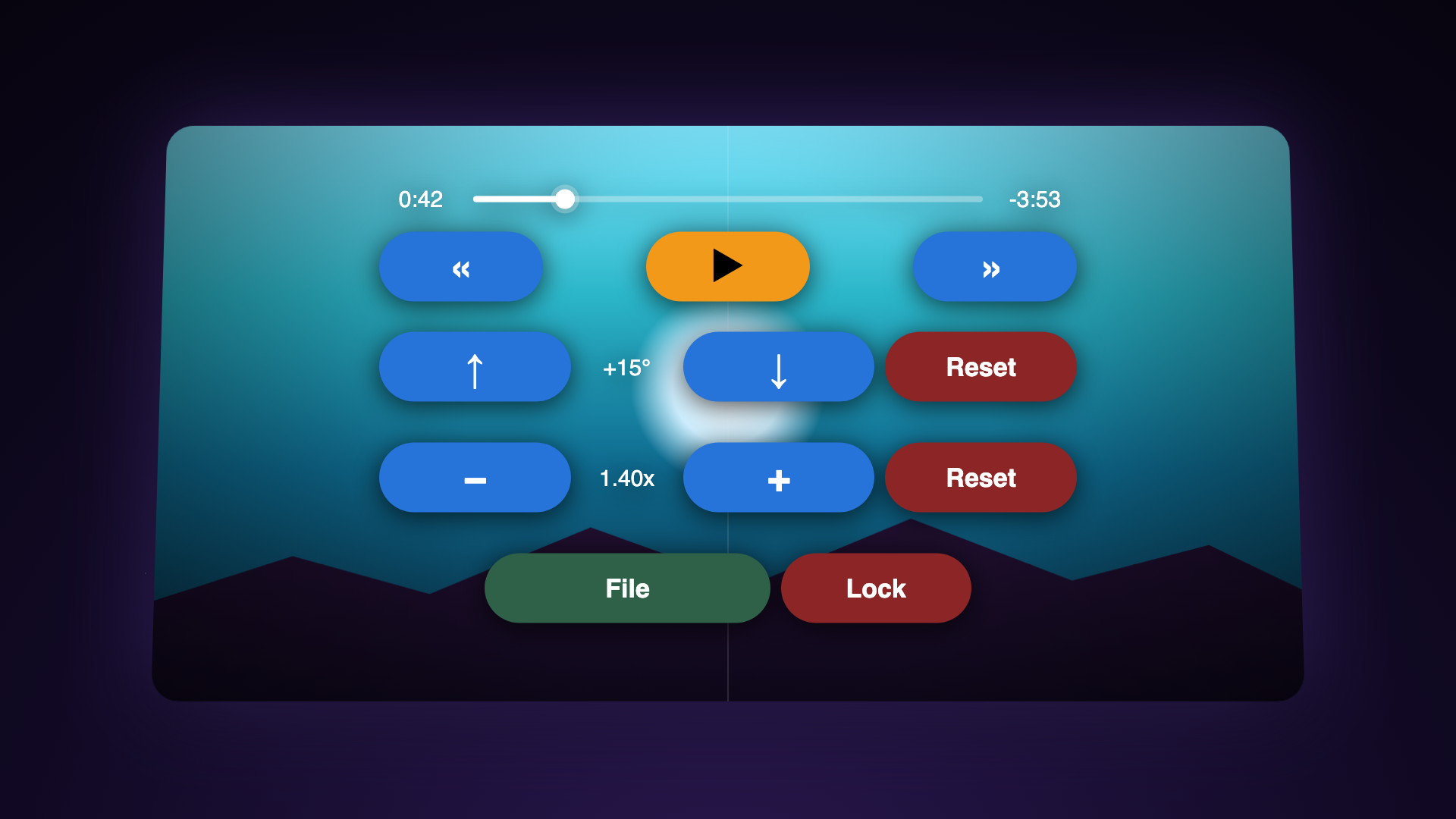
video/*source; URI permission is persisted - Pitch control (±60°) that re-uses the headset’s horizon-reset/recenter button
- Zoom by scaling the hemisphere entity (0.5×–10×)
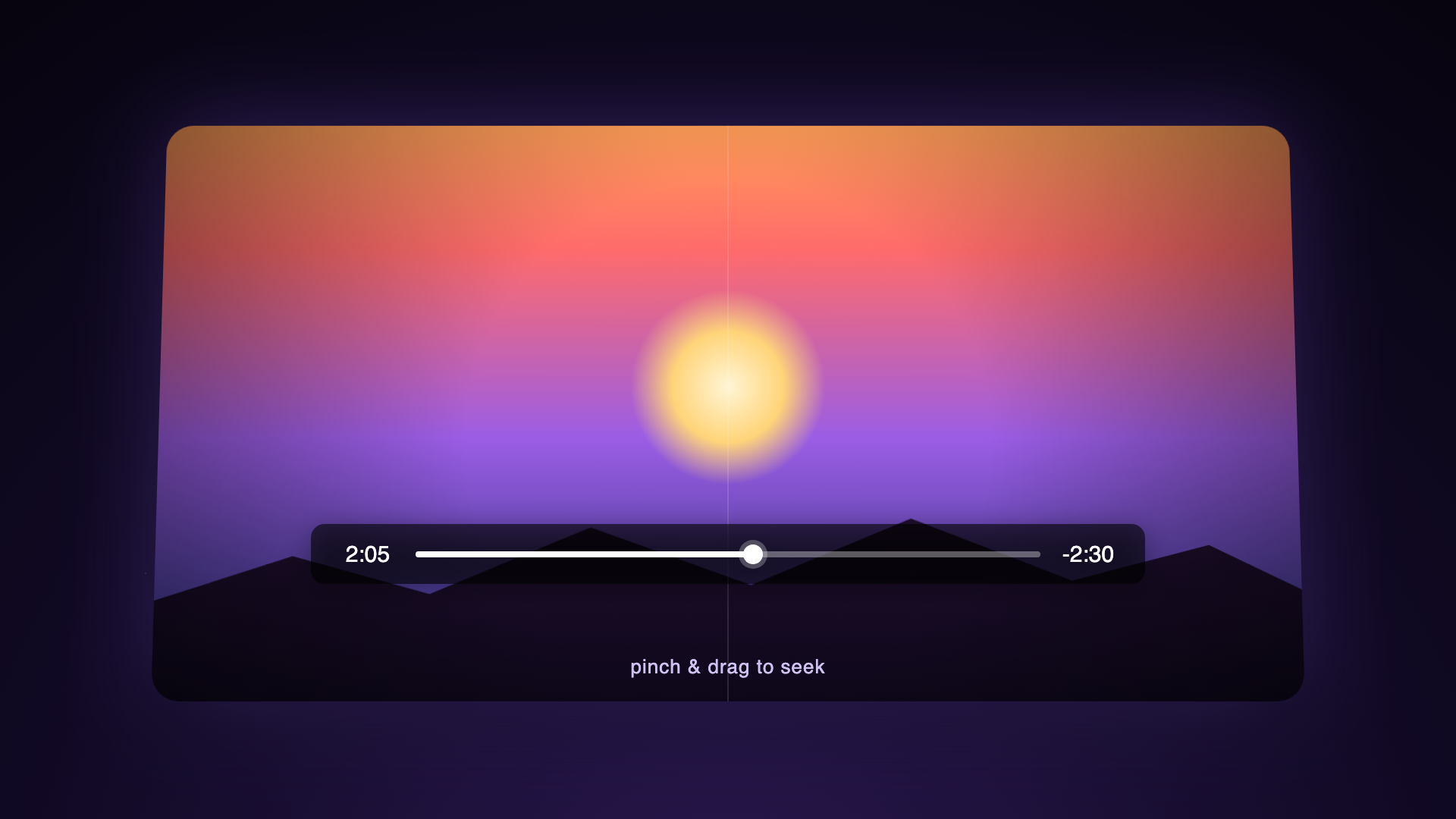
- Pinch-and-drag gestures for seeking and pitch
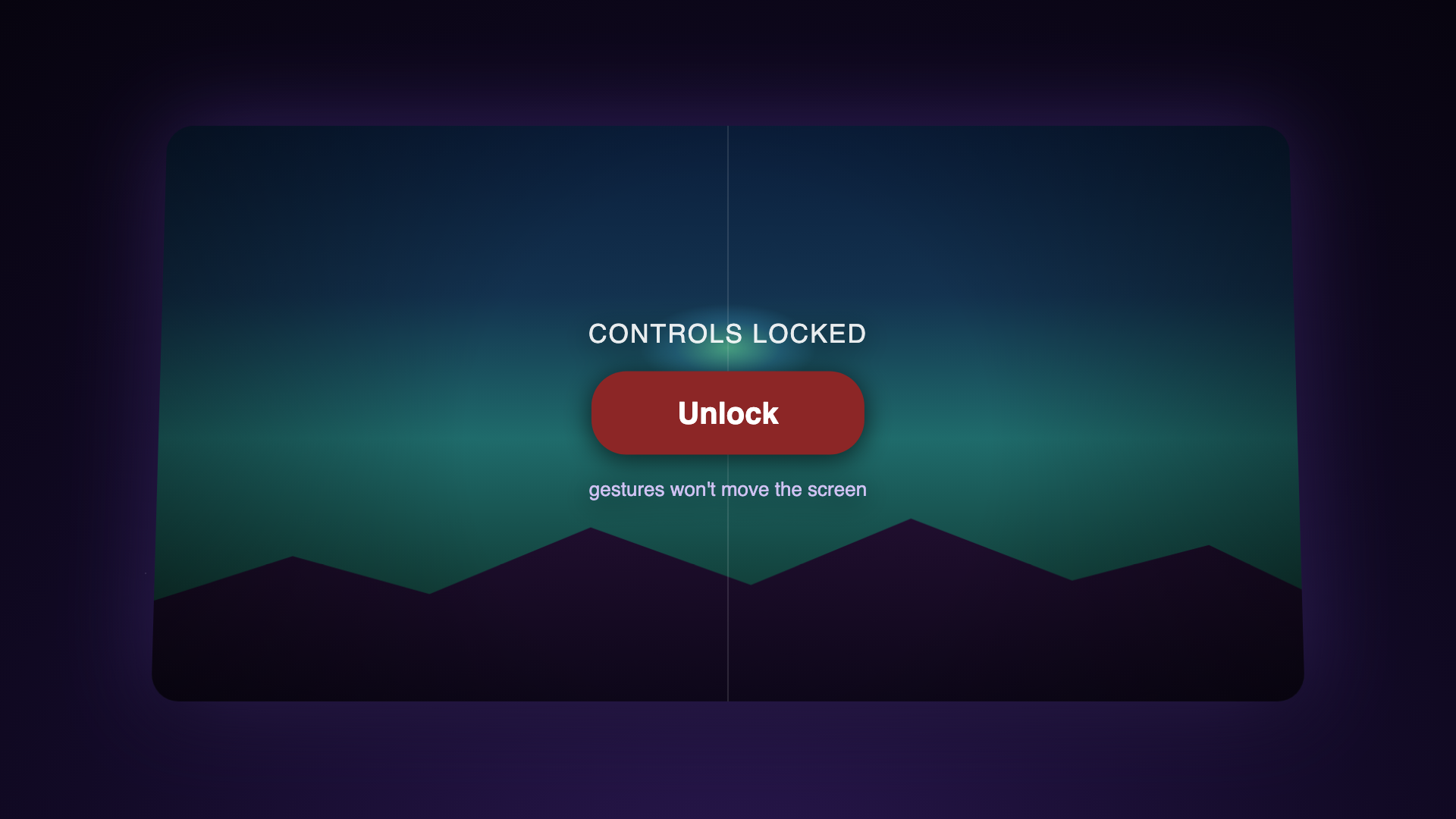
- Auto-hiding control panel: transport, seek, hand toggle, lock
- Looped playback via ExoPlayer
How it’s built
Three runtime pieces are wired together in a single ComponentActivity:
- An XR
Sessionfromandroidx.xr.runtime— created once on launch. - A
SurfaceEntityfromandroidx.xr.scenecoreshaped as aHemisphere(15m)inSIDE_BY_SIDEstereo mode. This is the 3D screen. - An ExoPlayer instance from Media3 that decodes the picked video onto the hemisphere’s surface, looped.
Two controls are intentionally ported from a Unity reference: pitch is derived from the accelerometer gravity vector (Android XR doesn’t expose a head-pose API for this case), and zoom scales the whole hemisphere entity since there’s no skybox-shader equivalent.
Sideload the debug build
Prefer to sideload? Grab the debug APK from the v1.0 release:
👉 Download app-debug.apk (v1.0)
Heads up — this is a debug build. It’s signed with the Android debug keystore (not a release key), has
android:debuggable="true", ships unminified, and is intended for sideloading and testing only. For everyday use, install the Play Store build above.
adb install -r app-debug.apk
adb shell am start -n space.mathewvarghese.androidxr3dsbsvideoplayer/.MainActivity
Source
Code, issues, and full release notes are on GitHub:
👉 github.com/mathewvarghesemanu/android-xr-sbs180-3d-player
Pull requests and bug reports welcome — especially from anyone with other OpenXR Android headsets to test on.