
Bookmarks Cleaner: A Chrome Extension for Reviewing Bookmarks One at a Time
Over time, a browser's bookmark list becomes a graveyard: dead links, pages that have changed beyond recognition, and folders you no longer remember creating. Bookmarks Cleaner is a Chrome extension I built to make clearing that backlog painless — it walks you through your bookmarks one at a time in a side panel, so you can simply Keep or Reject each one.
The core idea
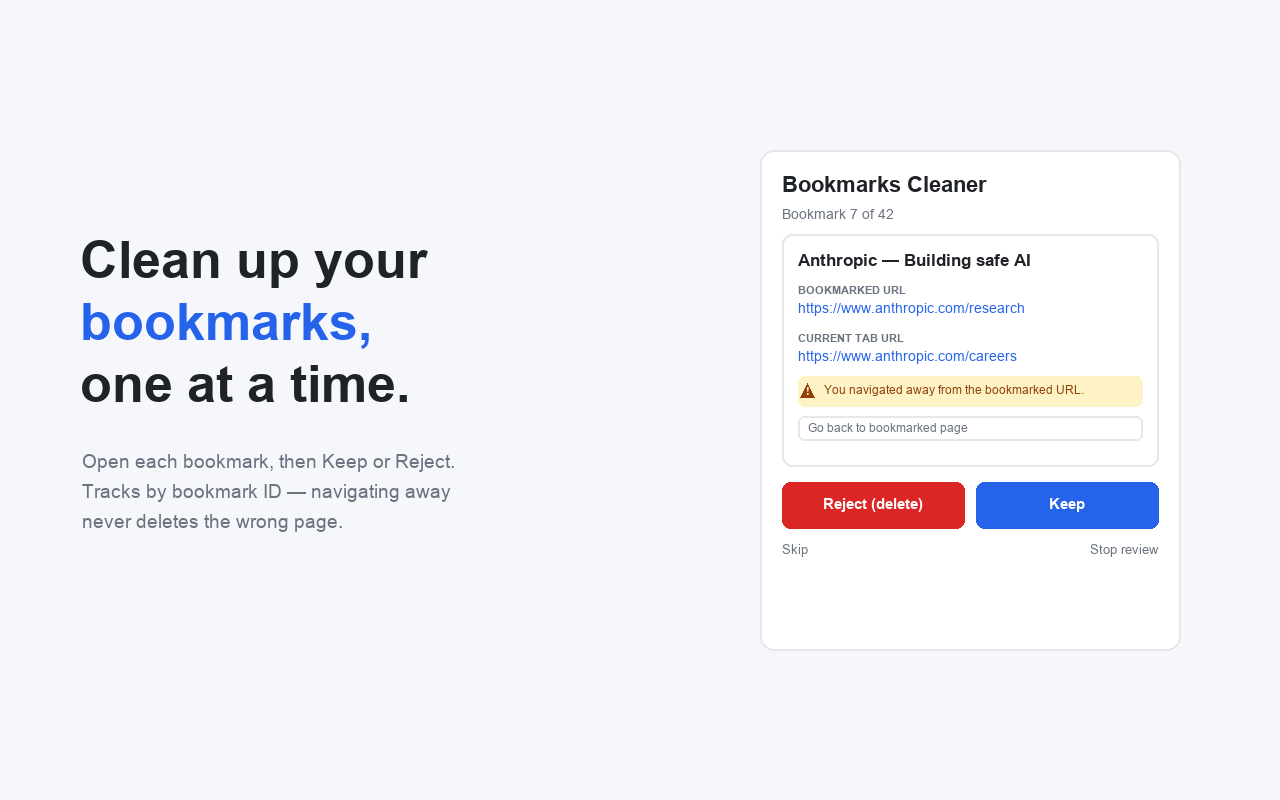
Every action is keyed on the bookmark's ID, not on the current tab URL. That means navigating away from a bookmarked page never changes what Keep or Reject acts on — a subtle but important detail that avoids accidentally deleting the wrong entry.
What it does
- Side panel review that stays open across page navigations.
- Pick a folder (or All bookmarks) to review, with a live count of how many are queued.
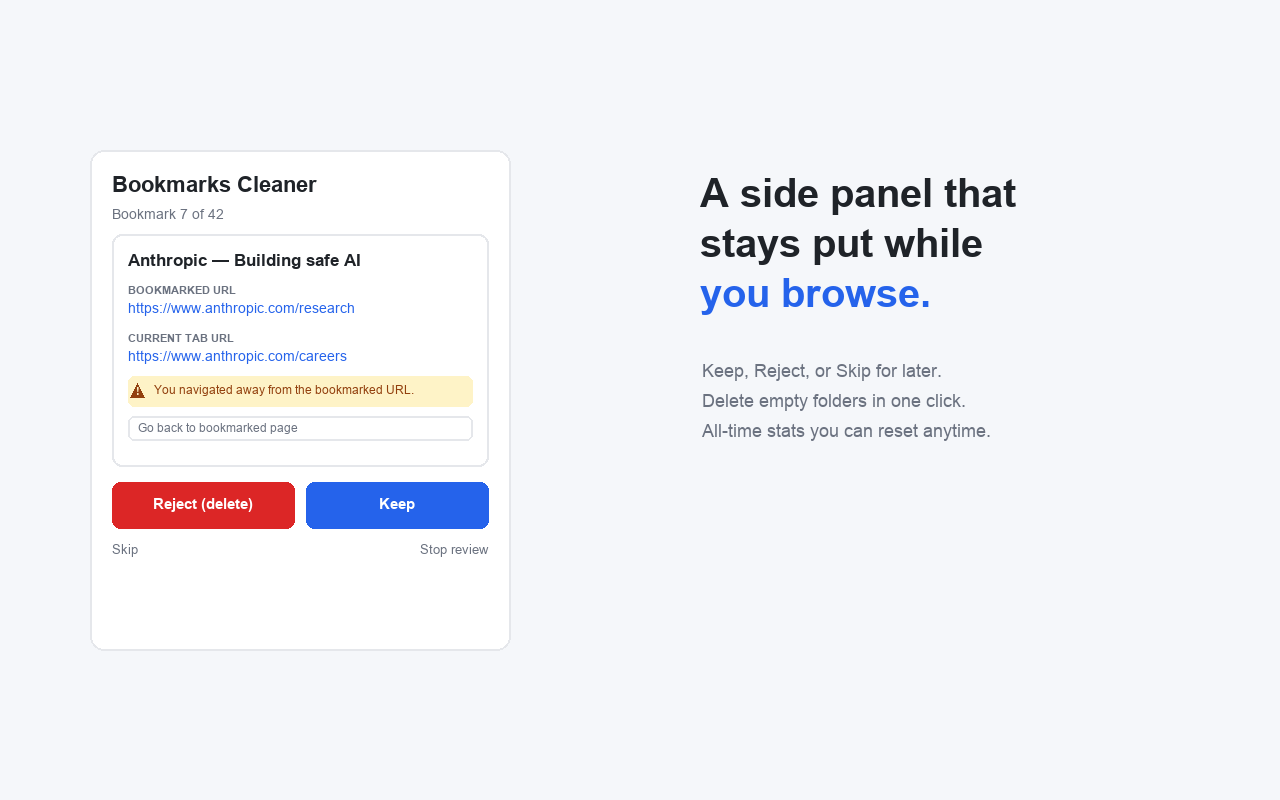
- For each bookmark, it shows both the original bookmarked URL and the live tab URL. If they differ, it warns you and offers to either go back to the bookmarked page or update the bookmark to point at where you are now.
- Keep leaves the bookmark; Reject deletes it. Skip defers it, and Stop ends the session early with a summary.
- Delete empty folders — one-click cleanup of folders whose entire subtree contains no bookmarks, with a confirmation that lists them first.
- All-time stats (kept / deleted) and a “later” count, persisted across sessions in
chrome.storage.local.
How it's built
It's a Manifest V3 extension. A background service worker opens the side panel and manages the dedicated review tab, while sidepanel.html, sidepanel.css, and sidepanel.js hold the review UI and logic. The only permissions it needs are bookmarks, sidePanel, tabs, and storage — nothing leaves your machine.
Get it / view the code
- Chrome Web Store: Install Bookmarks Cleaner
- Source code (GitHub): mathewvarghesemanu/chrome-bookmarks-cleaner
- Latest release: v1.0.0
It's a small tool, but it solves a real annoyance: turning the vague guilt of a cluttered bookmark bar into a quick, focused, keep-or-toss workflow.